v1.0 · Pro A team of specialized AI Agents on your MT5 chart

What if your Expert Advisor traded like a quant fund?

Five AI specialists debate every trade before any order touches your account. The Analyst gathers the evidence. Bull and Bear argue both sides. The Judge weighs the case. The Decision sizes the order — and the trade only goes through when the team agrees.

Demo-first onboarding Bring your own API key Prop-firm friendly
Built for MT5 XAUUSD EURUSD GBPUSD NAS100 GER40 US500 M15 · H1 · H4 · D1 OpenAI · DeepSeek · Gemini · OpenRouter · MiniMax · custom
Pricing · Free 7-day trial, then $299 for life

Run the full Quant AI Agents free for 7 days — then keep it for life for $299.

Every agent, full auto-execution, the whole risk engine — free for 7 days on one MT5 demo account. Upgrade to Pro to run it on real money and up to 20 accounts.

Tier Free · 7 days · no card

Free 7-Day Trial The complete Quant AI Agents — full auto-execution and the whole risk engine — free for 7 days on one MT5 demo account.

$0 7 days · no card required
Sign up with email or Google, then bind one MT5 demo account in your dashboard — the 7-day clock starts at bind, not at sign-up. No card, nothing to cancel.
  • All five agents — the full debate engine, end to end
  • Full auto-execution — when the team agrees, the EA opens, manages and closes the position
  • One MT5 demo account bind — runs on your demo terminal
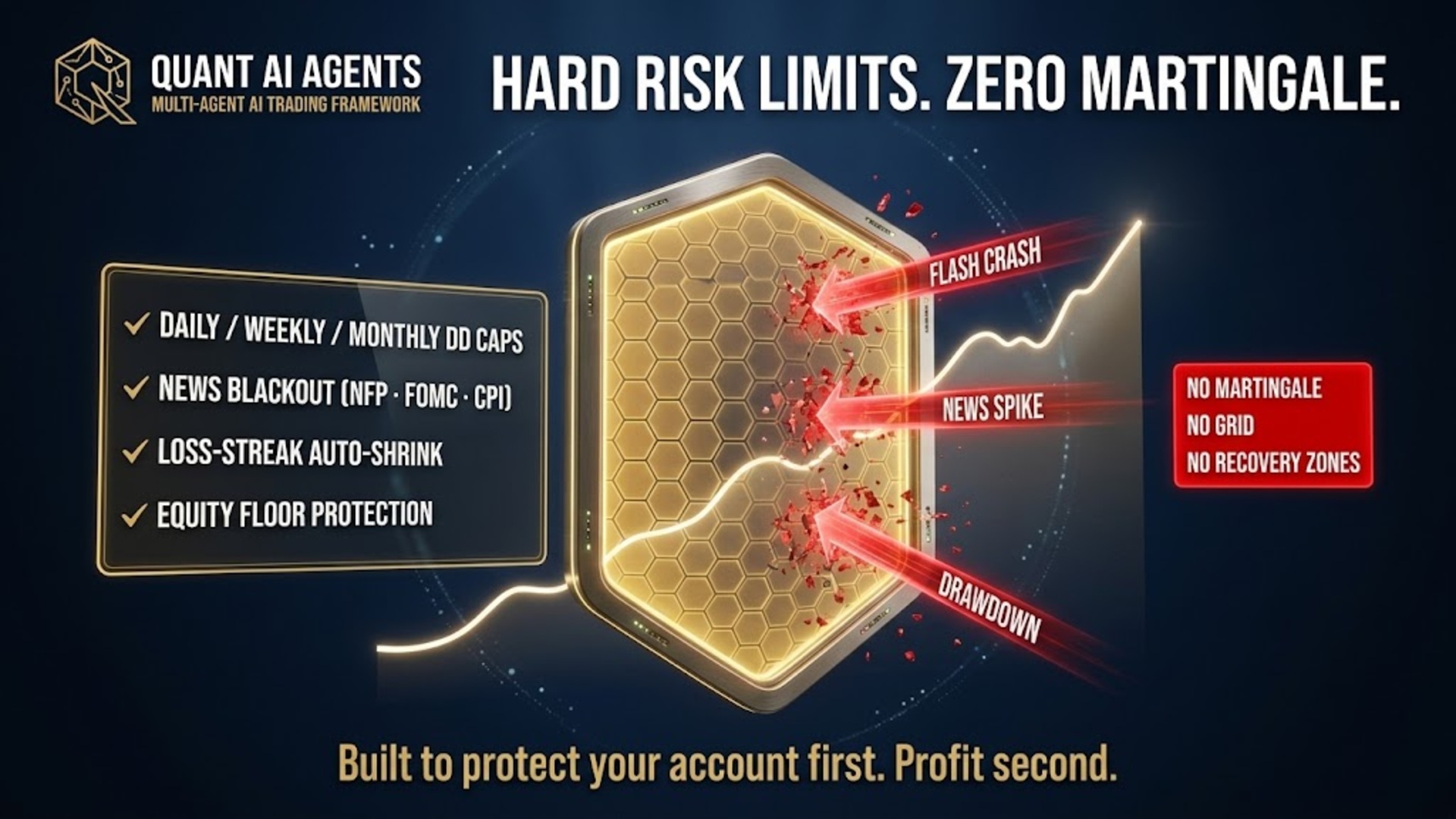
  • Full risk engine — floating DD cap, group kill switch, news blackout, prop-firm presets
  • 90+ ready-to-trade prompts · full library, submit your own
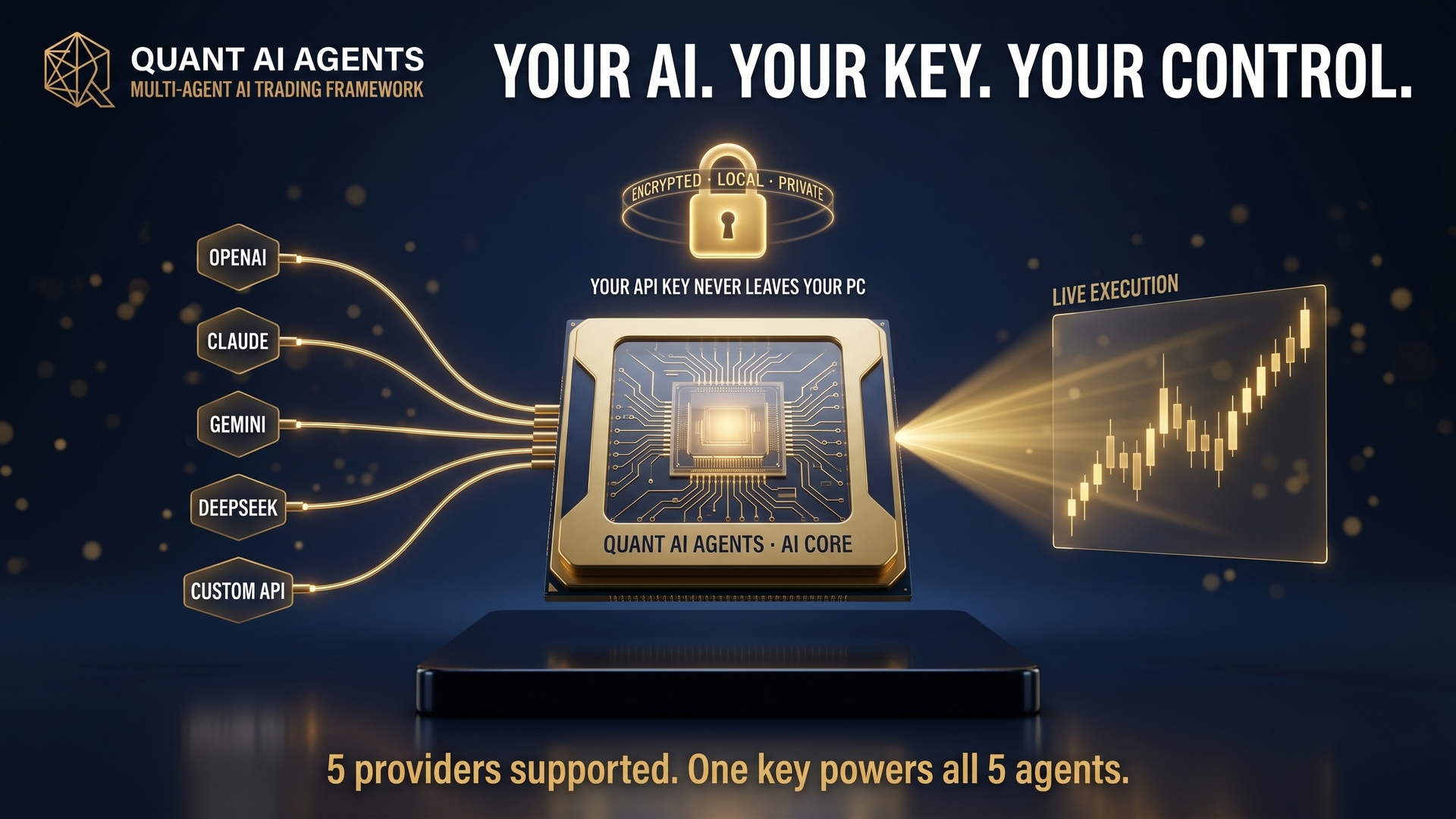
  • Bring your own API key — DeepSeek, OpenAI, Gemini, OpenRouter, MiniMax
  • Real-money (live) account — that needs Pro
  • Access past day 7 — that needs Pro
  • Up to 20 MT5 accounts · priority support · every v1.x update
Start your 7-day free trial
Free account, no card. Bind one MT5 demo account in your dashboard — the 7-day clock starts then.
★ Recommended
Tier Pro · One-time · Lifetime v1.x

Quant AI Agents Pro Full auto-execution — five agents debate, then the EA places the trade and runs the risk engine.

$299 one-time · no subscription
Pay once, run forever. All five agents, every prompt, every v1.x update — included.
  • Everything in Free — same debate engine, same prompts
  • Auto-execution — when the team agrees, the EA opens, manages and closes the position
  • Full risk engine — floating DD cap, group kill switch, news blackout, prop-firm presets
  • 90+ ready-to-trade prompts · 5-star strategy presets · custom prompt requests
  • License key for 20 broker accounts (live + demo) · lifetime v1.x updates
  • Priority 1-on-1 Telegram support · early access to Q3 Prompt Lab backtest sandbox
  • Position averaging, advanced trailing, fakeout filter, opportunity radar
No credit card required · Bind MT5 to activate
Quant AI Strategy ships the same five-agent debate, just signal-only — perfect to learn the engine on your own account before flipping auto-trade on with Quant AI Agents Pro. Full feature comparison →
💬 Ask AI on Telegram

7-day refund if the EA won't install. Both tiers require an account at eatrading.ai. Quant AI Strategy is the free educational tier — Quant AI Agents Pro is the production engine.

Watch the debate · 79-second demo + live scenarios

See it run. Then pick a market and run it yourself.

Watch the 79-second demo first — one prompt, four agents argue, the Decider votes, the Risk Engine sizes, the order lives on MT5. Then click a market scenario below: the five-agent cards reveal in order, exactly how the agents actually talk inside one cycle, and the Portfolio Manager's verdict prints at the bottom.

The truth about prompt-based trading

Does it trade automatically? Yes — just not like any robot you’ve met.

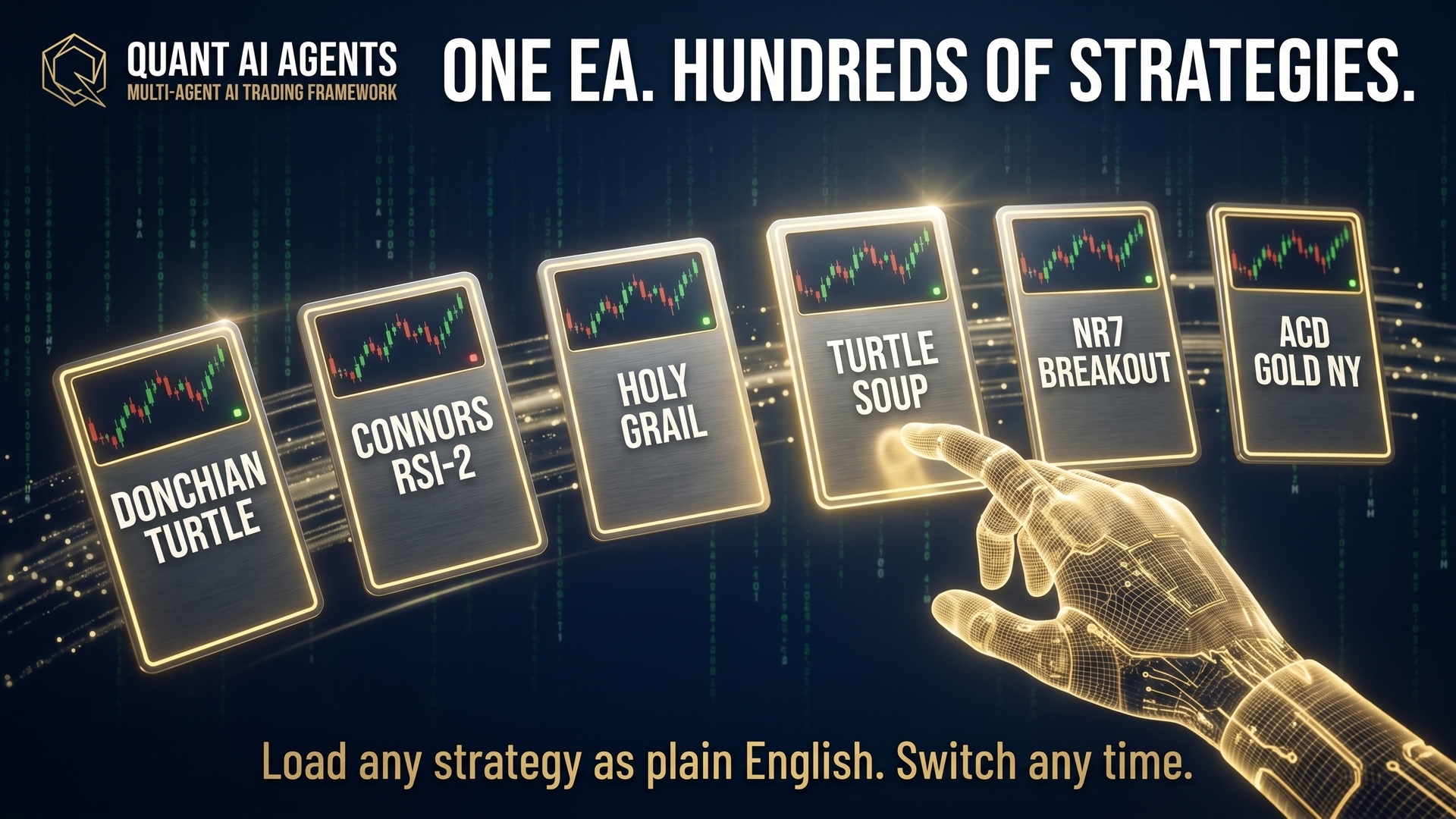
Quant AI Agents is a fully automated trading framework: it opens, manages and closes every position on MT5 on its own. The twist is what decides the trade. A normal robot runs one or two strategies a developer hardcoded. This one runs whatever strategy you write in plain English — so a single EA can trade hundreds of different ways, on your command.

Hands-off execution — your words set the strategy, the EA does the trading
The trap of traditional automation

A typical Expert Advisor

  • Locked to one strategy the developer baked in — you trade their idea, forever.
  • To change how it thinks, you’d have to rewrite complex code. Most traders can’t.
  • When the market stops favouring that one approach, you’re completely powerless.
  • You just watch a deep drawdown — the dip before it recovers — with no lever to pull.

Finding a reliable robot becomes a hopeless guessing game — because you can never change the one thing that’s failing you.

How Quant AI Agents is different

Trading driven by your own words

  • Your plain-English prompt is the strategy. No code — describe the setup, it trades it.
  • One EA, hundreds of strategies — swap how it thinks by editing a single prompt.
  • When the market shifts, you re-command in seconds — not in a code rewrite.
  • It still guards your capital strictly — drawdown caps, kill switch, news blackout, always on.

Not just a tool — a completely new way to interact with the markets, where your ideas are the engine.

Think of it as your own trading firm.

We’ve already set up the company for you, with five professionally trained roles. They debate, learn, and trade exactly as you envision — while strictly protecting your capital. Your only job is to hire the talent: plug in an API key and the team goes to work on your strategy.

Desk 01

Bull Desk

Builds the long case — every reason price should rise.

Desk 02

Bear Desk

Argues the other side — stress-tests what could break the trade.

Desk 03

Market Analyst

Reads the chart and regime — trend, volatility, structure.

Desk 04

The Decider

Weighs the debate and casts the vote — long, short, or stand aside.

Desk 05

Risk Manager

Sizes the position and guards the account before any order is sent.

You bring the brains. Plug in any model and the five roles think with it: OpenAI · ChatGPT Google · Gemini Anthropic · Claude DeepSeek OpenRouter

You finally have the power to command a team of AI experts using just your own words — and an intelligent system that listens to your ideas and executes them safely.

Watch a trade get reasoned out, token by token.

Every signal the EA sends to MT5 starts as a stream of model thoughts — context loaded, regime classified, ensemble polled, risk gated. Nothing hidden. You can swap the model behind it any time.

Compatible: Anthropic · OpenAI · DeepSeek · Google · xAI · any OpenAI-compatible endpoint
BYOK · Bring your own LLM key

"$299 lifetime + how much API?"

You own the LLM bill. Dial the knobs — pipeline mode, debate rounds, update interval, provider — and see the real monthly cost. Math is derived from the EA's spec; provider prices are January 2026 published rates.

Dial your config

Defaults match the EA's recommended Full pipeline at 60-minute cadence.

1

Bull and Bear each speak this many times. Only applies in Full mode.

Estimated monthly LLM cost
$2.56
/ month · per running instance
24
Cycles / day
3,600
Calls / month
$0.09
$ / day
Coffee budget. Full pipeline on GPT-4o-mini at one-hour cadence — about the price of a single cup of coffee per month.

Covers all 15 models exposed in the EA's ENUM_AI_MODEL input panel — every OpenAI tier (GPT-5.5 / 5.4 / 5.4-mini / legacy GPT-5 + GPT-4o family), Claude Sonnet & Opus 4.6, Gemini 3 Pro & Flash, DeepSeek Chat & Reasoner, Grok 4 & Grok 4 Fast. Math derived from the EA spec (5-call full pipeline, ~2.2k tokens per call); GPT-5 family rates anchored to OpenAI's published tier conventions. The EA logs token usage so you can verify against your provider's bill.

Your Prompt = Your Strategy

Skip the code. Prompt your way to a new EA.

This isn't a black-box bot. It's a programmable engine driven by a five-agent debate. Want to trade breakouts today and mean-reversion tomorrow? Don't touch the code — edit one text file. The same five agents start trading the new system. If you can type, you can build a quant EA.

Your prompt
# TREND BREAKOUT ARCHETYPE
WHITELIST=<trend + vol set>
TIMEFRAME=H4

=== BULL ANGLES ===
- Close beyond recent range upper bound
- Short-term volatility > long-term baseline → expansion
- No failed breakout in recent lookback window

=== STOPS ===
- Hard SL: vol-anchored multiple
- Trail: opposite-channel reclaim
5 Agents Engine unchanged
01DataOHLC + indicators
02Analystpicks trend + vol set
03DebateBull vs Bear
04JudgeOVERWEIGHT 0.72
05DecisionPM commits
Output signal
Regime · TREND-UP
Decision · PM
LONG · 0.05 lots
Entry 4,534.00
SL 4,521.00 · vol-anchored
Trail channel-opposite reclaim
Archetype
Trend-following
RR profile
Low WR · high-R skew

One engine. Your rules. Your EA.

Edit the prompt file inside MQL5/Files/ and the same five agents trade a brand-new system. No recompile. No license reset. No support ticket.

Browse the prompt library
The Pipeline

Five stages. One agreed call.

Every signal walks the same five steps: Data → Analyst → Debate → Judge → Decision. No single agent gets to act on its own — that's the whole point. If the Judge isn't confident, the Decision drops to HOLD and the trade doesn't go.

Stage 01

Data

Price candles from your chart and the timeframe above it, indicators, recent swing highs and lows, plus MT5's live economic news calendar.

Stage 02

Analyst

Picks the 3–8 indicators that matter most right now, names the current market regime (trend, range, volatility), and writes down one condition that would prove the read wrong.

Stage 03

Debate

Bull and Bear each argue their side with real evidence. Each one answers the other's strongest objection, names how they could be wrong, and rates its own confidence.

Stage 04

Judge · Research Manager

Weighs both arguments, sanity-checks the regime, reads notes from past trades, and rules: BUY, OVERWEIGHT, HOLD, UNDERWEIGHT or SELL.

Stage 05

Decision · Portfolio Manager

Builds the actual order — size, stop, regime check. Downgrades to HOLD if the Judge's confidence is too low. No trade gets placed in the dark.

Risk Engine

The AI Agents decide. The risk engine defends.

The AI debate gets the marketing. The risk engine keeps the account alive. It's the local code that catches every bad signal the AI lets through — when CPI prints wrong, when an AI provider rate-limits, when a strategy meets a regime it wasn't built for. Four layers. All on by default. All yours to override.

Drawdown lockout

Four-layer drawdown protection

Daily, weekly and monthly loss caps, plus a hard equity floor that cuts everything. Hit the floor: every position closes and auto-trade switches off. No "are you sure" dialog — the EA assumes you don't want to find out at 3 a.m.

Daily / Weekly / Monthly caps Equity floor HARD HALT Margin guard Aggregate risk cap
Exit engine

Five exit triggers, one engine

The AI sets the initial stop. From there, local code runs on every tick: break-even when the trade moves your way, a volatility-aware trail, partial close at a set R-multiple (reward-to-risk ratio), time-based break-even, and emergency flat on a volatility spike or right before high-impact news. Your stops keep working through a Cloudflare outage. Your AI bill doesn't get charged for them.

Vol-aware tick trail Partial close on R-multiple Vol-spike emergency flat Pre-news flat window
News blackout

News-aware out of the box

Reads MT5's built-in news calendar directly — no Forex Factory plugin, no third-party feed to keep alive. High-impact events on major currencies pause new entries inside a window you set. Turn it off if you like fireworks.

Native MT5 Calendar API High-impact auto-flat Configurable window
Reflection memory

Every closed trade becomes evidence

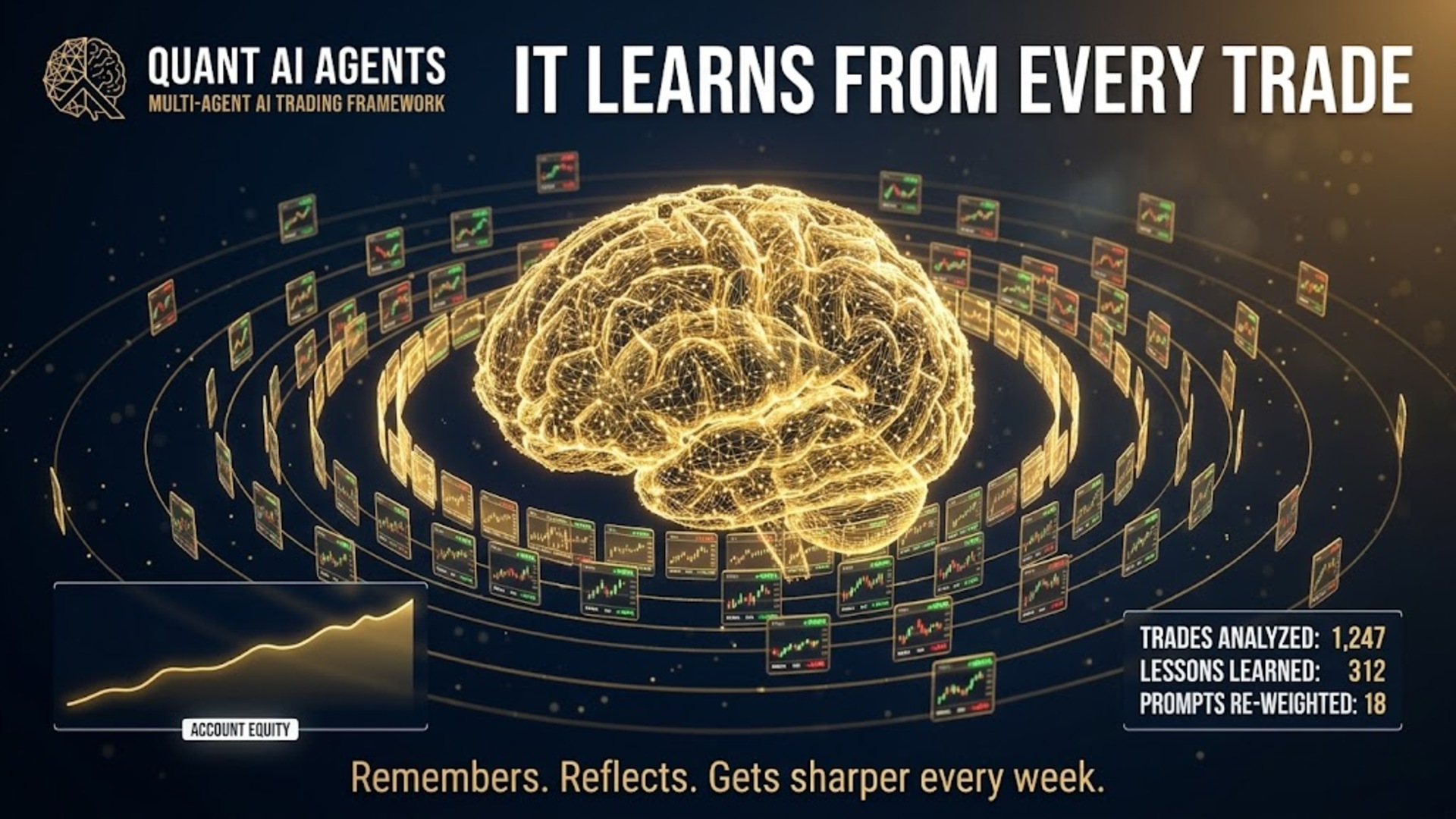
Every closed trade is written to a memory file — entry, exit, P&L, the exact prompt that opened it. Next time the agents run, the Judge reads its own history before ruling. Your losing patterns become Bear arguments in next week's debate. No fine-tuning. No retraining. Just an EA that learns from your account, not from a marketing dataset.

Per-magic memory file CSV audit trail (DSR/PBO-ready) No-fine-tune learning
Also under the hood: loss-streak damper (five losses in a row halves the risk), daily profit lock (hit +2% and the EA locks the day green), loss cooldown (a three-bar pause after a stop-out), session filter, multi-chart pipeline lock, randomized 0–300 s startup delay so every instance doesn't fire at once, broker spec validator, and symbol normalization for 47+ broker variants. The input reference lists every default.
On-Chart Panel

Read the reasoning, not just the verdict.

Every call the agents make is written in plain English on your chart. Three tabs: the analyst brief, the full Bull-vs-Bear debate, and the live order book. Nothing hides behind a black-box score.

Analysis tab

Regime Trend-up. Selected a curated multi-factor indicator set.

Levels Support 4,518.00 · Resistance 4,548.00 · Invalidation H4 close < 4,512.00.

News NFP in 38h 12m. Trading halted starting T-2h.

XAUUSD · H4 · 14:32 GMT
Debate tab
Bull Trend-up confirmed. Conf HIGH.
Bear Sweep risk > 4,548. Conf MED.
Judge · RM Verdict OVERWEIGHT · 0.68
Decision · PM LONG · 0.05 · RegimeAligned
5 calls · 3.4s total · 2,210 tokens
Orders tab
XAUUSD LONG · 0.05
@ 4,534.00 · SL 4,521.00
+$18.40
EURUSD SHORT · 0.10
@ 1.0834 · BE moved
+$24.10
NAS100 LONG · 0.20
@ 18,210 · trail tight
−$6.80
Day P/L · +$35.70 across 3 charts
Custom Prompts

Edit a text file. Add a new strategy.

Strategies don't live inside the EA. They live in a plain text file called eatrading_prompts.txt inside MQL5\Files\. Each strategy is one [PRESET]…[/PRESET] block with six fields: NAME, SUMMARY, TIMEFRAME, WHITELIST, STRATEGY, RULES.

Your custom presets sit alongside the three built-in ones — they don't overwrite them. Cycle through all of them right from the panel.

  • First run drops a starter file with an example block — you're never staring at a blank page.
  • One-click reload on the panel's button — no need to restart the EA.
  • The TIMEFRAME field is only a hint — the strategy runs on whatever chart you attach it to.
  • Reflection mode feeds lessons from past trades back into the next debate.
A founder’s journey

One trader. A decade chasing the same question. What if the machine could think with me?

I’m Ho Tuan Thang — a solo quant who spent ten years in a small room in Chicago, building EAs no one asked for, blowing up demo accounts so live ones wouldn’t, and waiting for the technology to catch up to the idea. When large language models finally landed, the door opened. This is the short version of how we got here, and why I’m now spending most of my days helping other traders walk through it.

Portrait of Ho Tuan Thang, founder of eatrading.ai
Ho Tuan Thang Founder · AI Dev

“I never wanted to sell signals. I wanted to build a co-pilot — something a serious trader could actually trust at 2 a.m. when the chart goes sideways. That’s the only thing I work on now.”

— Ho Tuan Thang · Founder, eatrading.ai
2014 · The start

Manual trader, blown account, rebuilt.

Started trading stocks and forex out of curiosity. Got humbled fast. Spent two years studying price action, risk management and the work of people like Van Tharp and Andreas Clenow — convinced the edge had to be systematic, not discretionary.

2017–2020 · First EAs

Solo dev, late nights, MetaTrader 5.

Learned MQL5 the hard way. Shipped a handful of rule-based EAs for friends, then a small client base. Every system traded my own money first. Lesson burned in: backtests lie, slippage is real, and an EA that needs a perfect market dies in a normal week.

2022–2024 · The AI turn

LLMs landed. The whole stack rewrote itself.

When GPT-4 and Claude opened up reasoning at machine speed, I rebuilt the engine from scratch. Started wiring multi-model ensembles into MT5 — real models, real keys, real accounts. Six iterations later, the Quant AI Agents framework was born.

2025–now · Helping the room

A small bench, a global crowd, one mission.

Today I split my week between shipping product and walking traders — in Vietnam, the Philippines, India, the EU and the US — through the messy migration from indicator EAs to AI-native systems. The goal is unchanged: arm the independent trader with the same firepower a hedge-fund desk takes for granted.

0+
Years in markets
0
EAs shipped to live accounts
$0M
Capital under management
0k+
Traders in the room
How the engine performs

The numbers behind every trade we ship.

Five LLM heads, millions of tokens, milliseconds of latency. Below is a snapshot of the AI machinery that argues out every order — engine telemetry, never marketing.

Ensemble
5/ 5 heads
LLM models in vote
Streaming
1.2M tokens / hr
Reasoned across cohort
Live
38.4k / day
Decisions emitted
Consensus
0.86avg
Ensemble confidence
Healthy
184ms p95
Inference latency
Closed-beta voices

What the beta cohort told us.

Quotes below are placeholder copy for the mockup. The live page will only use verified, opt-in quotes from traders running the AI Agents on live MT5 accounts — first name plus a masked role only, to keep prop-firm rules happy.

The debate transcript alone is worth it. I don't just see BUY — I see why three agents agreed and which one pushed back. Changed how I tune my own setups.
Marko K.
Prop trader · FTMO
I run 6 EAs across 3 brokers. Used to baby-sit them. AI Supervisor pauses two of them during NFP automatically — saved my account in March.
Diana J.
Retail · 4 yrs MT5
Free Quant AI Strategy was my entry. Ran it 3 months on demo, then bought the full Agents pack. The free version isn't crippled — it's just one agent.
Ryo S.
XAUUSD scalper
Prompt Library is gold. I tweak 2-3 lines, paste into the Lab, and the EA picks up a new behaviour overnight. It feels like having a quant team on tap.
Alex L.
Algo dev · MT5 builder
Most "AI EAs" are just MACD with a logo. This one actually changes its mind. I watched it skip a setup because CPI was 90 minutes away.
Sara P.
Indices swing
BYOK was the dealbreaker. I bring my own Anthropic key, see exactly what's spent, and nothing is locked behind a token meter the vendor controls.
Tomás N.
FX / XAU · 2 yrs MT5
Priority lane · partner brokers

Trade alongside the founder.

Open through any partner link below — same execution we run on live capital, plus a private lane reserved for traders in our community.

Beta seats for new EAs Direct line to the founder Tuned for AI workloads Priority 24/7 support
Built for EA workloads

IC Markets

Raw spreads, deep liquidity, execution tuned for heavy EA traffic.

Open account
Razor-thin commissions

Tickmill

Very fast fills on raw accounts — a strong second broker for spreading risk.

Open account
High leverage · EU

IC Trading

Higher leverage for EU traders who want capital efficiency on the IC backbone.

Open account

Affiliate / IB links — same broker conditions you'd get on your own, plus the community perks. None of your money goes to us.

Stay close

Three direct lines — walk into the AI era with the team.

Live trade updates on the channel, a 24/7 AI bot for product questions, and a direct line to me when you want a human. The market is moving fast; you shouldn’t have to wait days for an answer. Pick the channel that fits the moment.

Questions, briefly

FAQ

The short answers. Longer ones live in the docs.

Which brokers and accounts work?

Any broker that runs MetaTrader 5 with the standard symbols (XAUUSD, EURUSD, GBPUSD, NAS100, GER40, US500). The EA reads MT5's built-in economic calendar, so brokers that ship the calendar get the news-aware pause out of the box. Brokers without a calendar feed still trade fine — they just skip the news pause.

Is it prop-firm compatible?

Yes. The Group Kill Switch, Floating DD (drawdown) Cap and trade-frequency limits were built around prop-firm rules. You set the daily-loss and overall-loss thresholds in the Risk Management input group, and the EA closes the basket the moment either trips.

No martingale by default — Position Averaging is opt-in, guarded by the same kill switch, and ships with the size multiplier at 1.0 (flat layers).

Do I need to provide my own API key?

Yes. We don't proxy AI calls — the EA talks to OpenAI, DeepSeek, Google Gemini, OpenRouter, MiniMax or your custom endpoint directly using your key. You see your own usage, control your own spend, and switch providers any time without going through us.

Want Claude or Llama? Point the EA at OpenRouter and it routes there without any code change.

What does it actually cost to run?

A few dollars a month per chart on H4 with a default-tier AI model — single-digit cents per day. Cheaper providers run lower; top-tier ones cost more. Pipeline depth is a lever too: FULL costs more than MINIMAL on the same chart. The EA caches repeated contexts and only fires the full pipeline on signal candles, not every tick.

Should I run this on a live account immediately?

No. Run it on a demo account first — at least one full week of agent decisions on your broker, your symbols, your spreads. The agents adapt to whatever prompt you give them, so the only way to know your prompt-and-broker pairing actually works is to watch a few dozen trades and read the debate output.

Refunds?

14-day refund window, any reason — including "the agents make sense but I'm not ready to trust them yet." We'd rather you test on demo, walk away, and come back when you're ready than have you stuck with a tool you don't trust.

Do the agents actually disagree, or do they all say "buy"?

They disagree often. Bull and Bear each have to answer the other's strongest objection and rate their own confidence HIGH, MED or LOW. The Judge sanity-checks the regime, and the Decision drops to HOLD if confidence is LOW.

Most of the value sits in the trades that don't happen — where the Bear's "this is how I'd be wrong" tears the Bull's setup apart. Run a week of demo and you'll see the pattern.

Can I run on something other than H4?

Yes. Quant AI Agents is tuned for H4 but runs on any chart period. Each preset names its preferred timeframe as a hint (H4 for swing, D1 for the daily-archetype presets), but the engine adapts to whatever you attach it to. M15, H1, H4 and D1 are all supported.